Show the surface
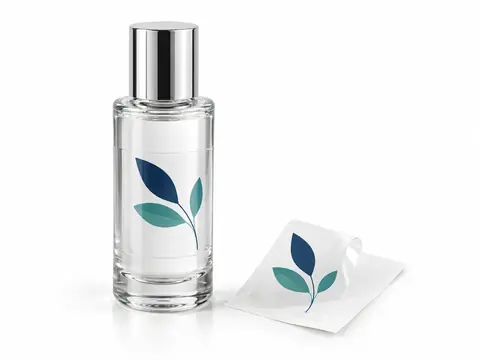
Share its material, colour and whether the sticker goes inside or outside.

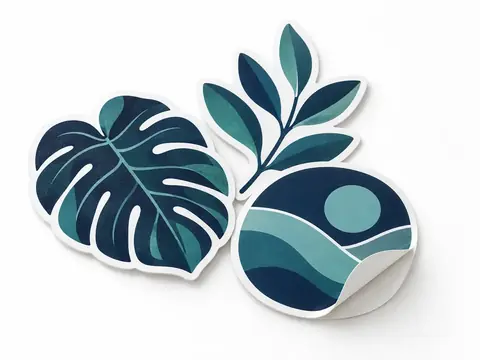
Print-and-cut stickers combine printed graphics with contour cutting for individual design elements.
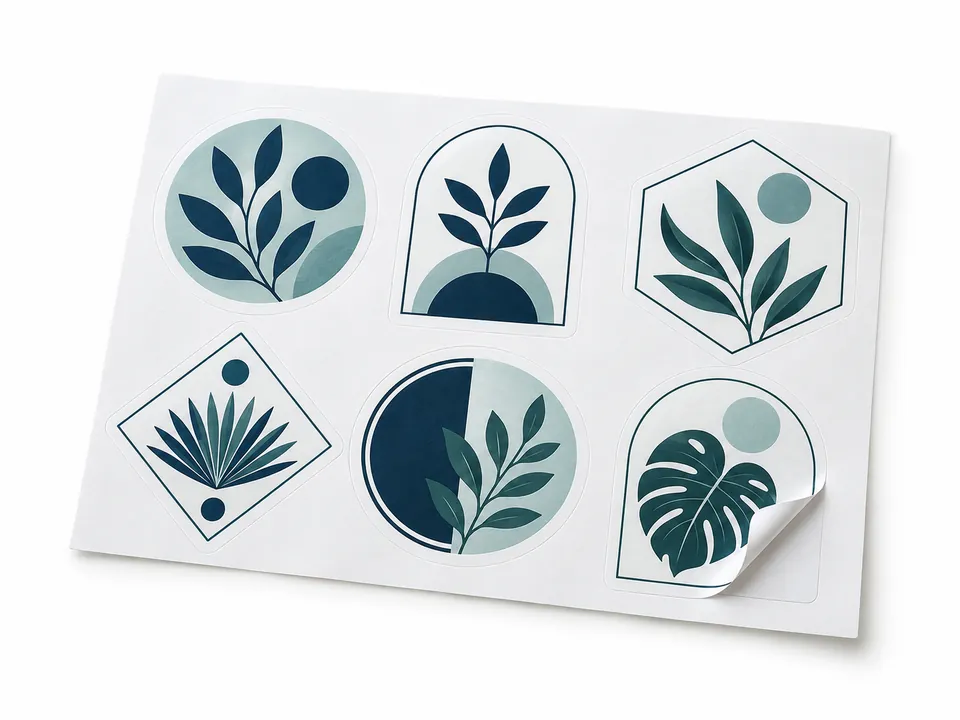
Illustrative product concept. Your artwork, materials and finish are confirmed with your quotation.
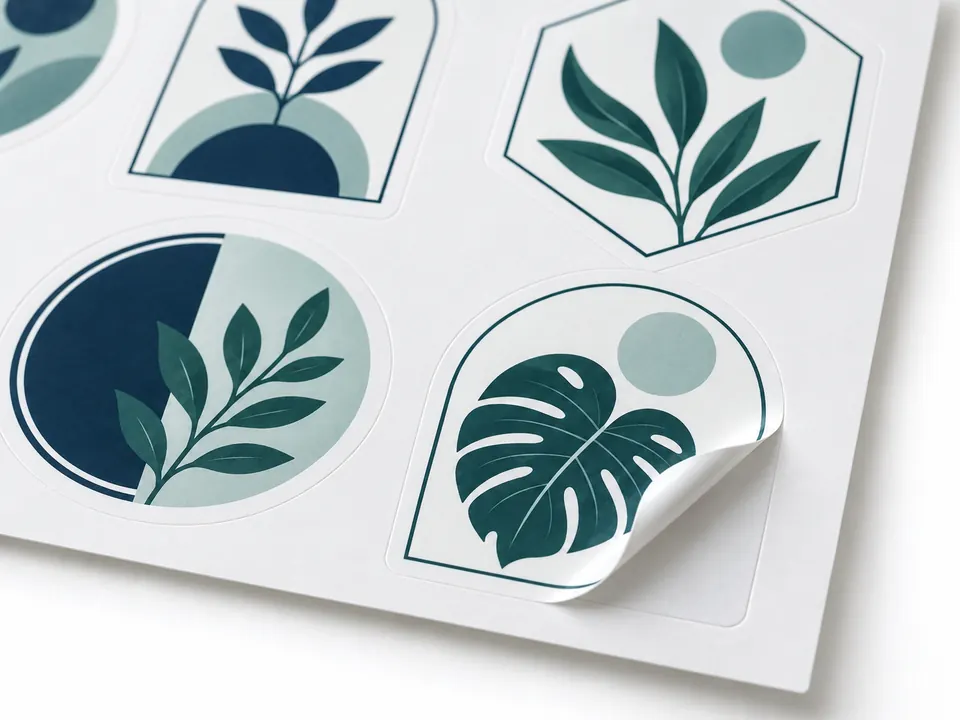
Explore the shape, texture and finishing details.
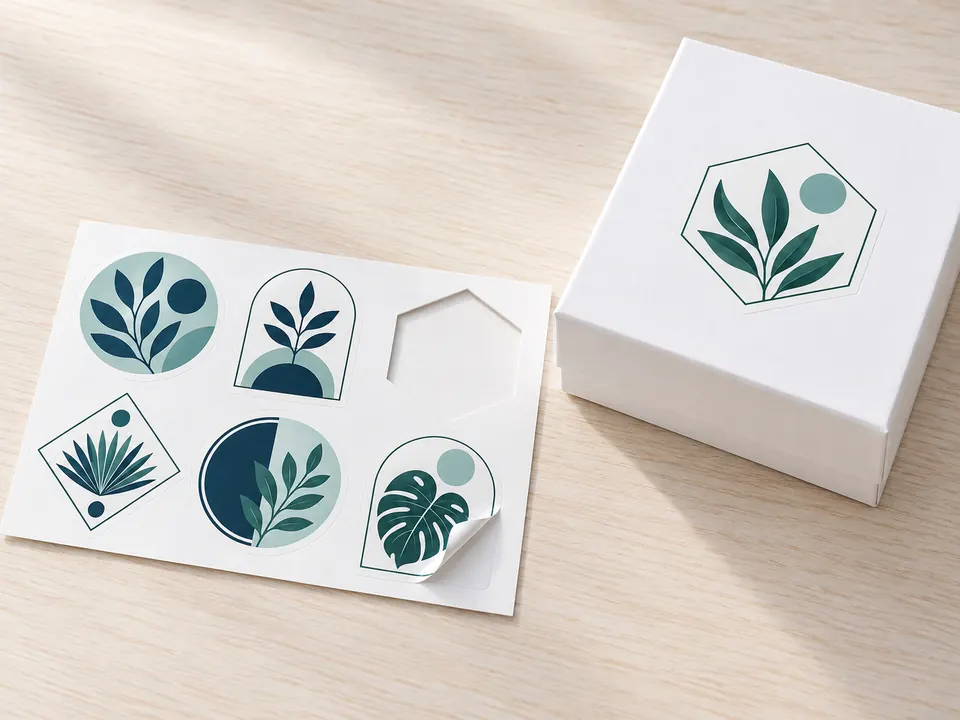
See how it could fit your space, event or everyday routine.
Illustrative concepts. Final appearance depends on your chosen product and artwork.
Print-and-cut stickers combine printed graphics with contour cutting for individual design elements. They are useful when colour and shape work together, from simple logo decals to a set of related campaign graphics.
Plan the printed image and its cut boundary together, especially when a design contains several separate elements. Think about how those elements will be identified and placed during application. A clear arrangement can make a set easier to use, while consistent spacing and orientation help related graphics look intentional once they reach the final surface.
Share its material, colour and whether the sticker goes inside or outside.
Keep key details away from the cut outline.
List the quantity and size for every artwork version.
A straight-edged outline
A rounded outline
Follow a logo or your own shape
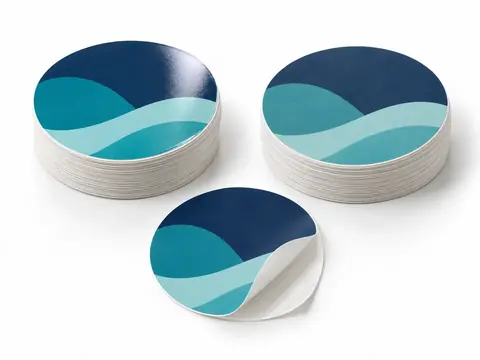
Separate stickers for handing out
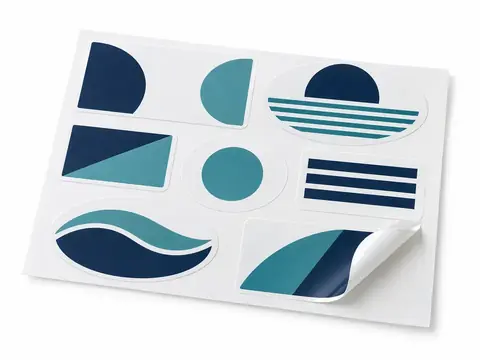
Several stickers arranged on a sheet
Request a roll format for your application
A box, panel or other flat area
A bottle, jar or curved object
A window, glass panel or clear container
These are planning preferences. We’ll confirm suitability and the final production specification with you.
List the quantity and finished size of each design. Sheet layout, separation and application requirements affect how the finished set should be supplied.
Supply an overview showing the final arrangement and label the individual pieces in a separate placement guide. List each piece's dimensions and quantity so similar elements can be matched during application.
Show the desired finished appearance and provide artwork that continues beyond the cutting boundary as required by the confirmed template. Keep important colour transitions and fine details clear of critical cut points.
Provide the overall placement dimensions, spacing and a reference image of the target surface. Ask for the suitable application format to be confirmed so the separate elements can be positioned as intended.
Your product, quantity and selected preferences are saved in your enquiry. Add other items, then review the full brief and continue in WhatsApp or email. We’ll confirm the available options and production details with you.
Need help with your print & cut stickers project?